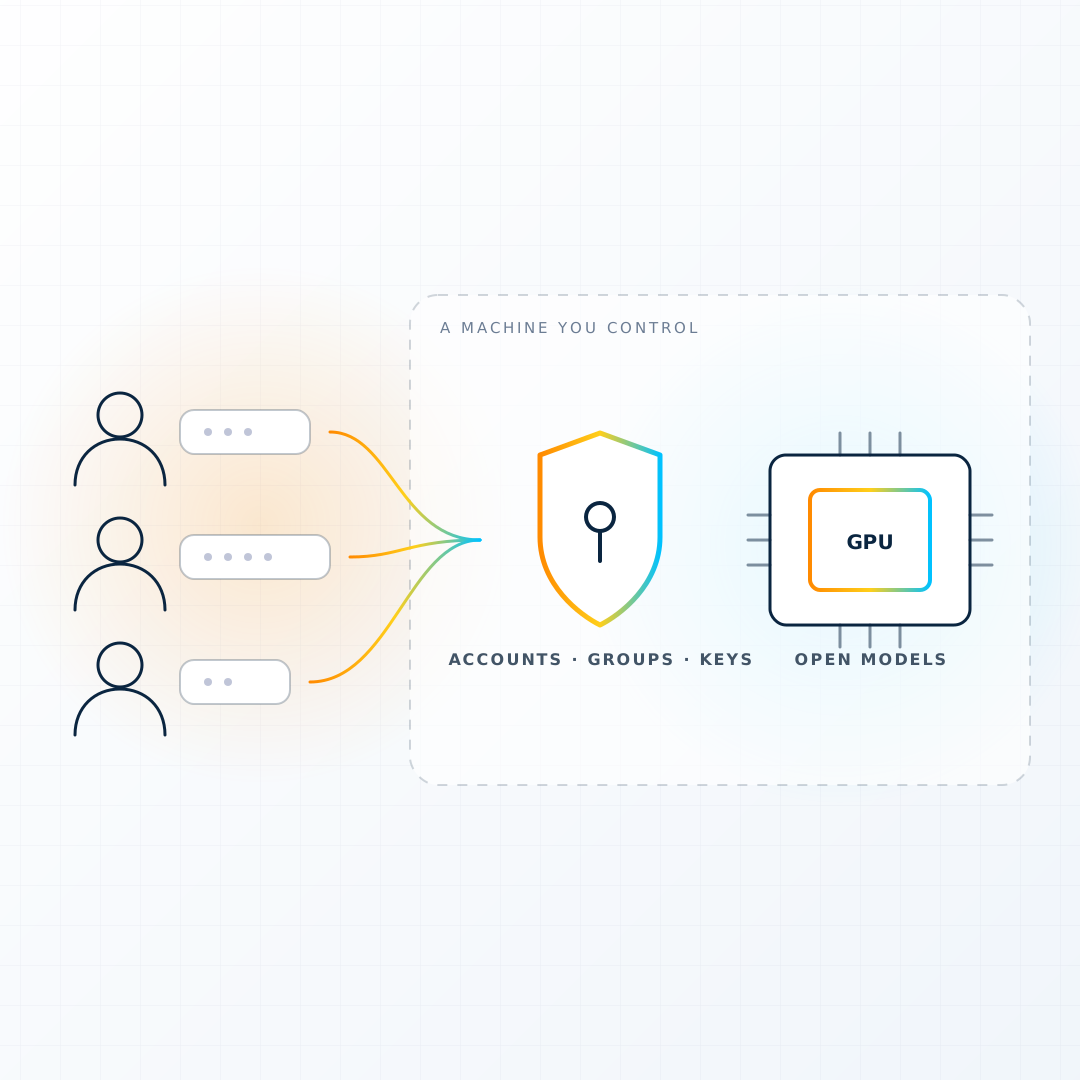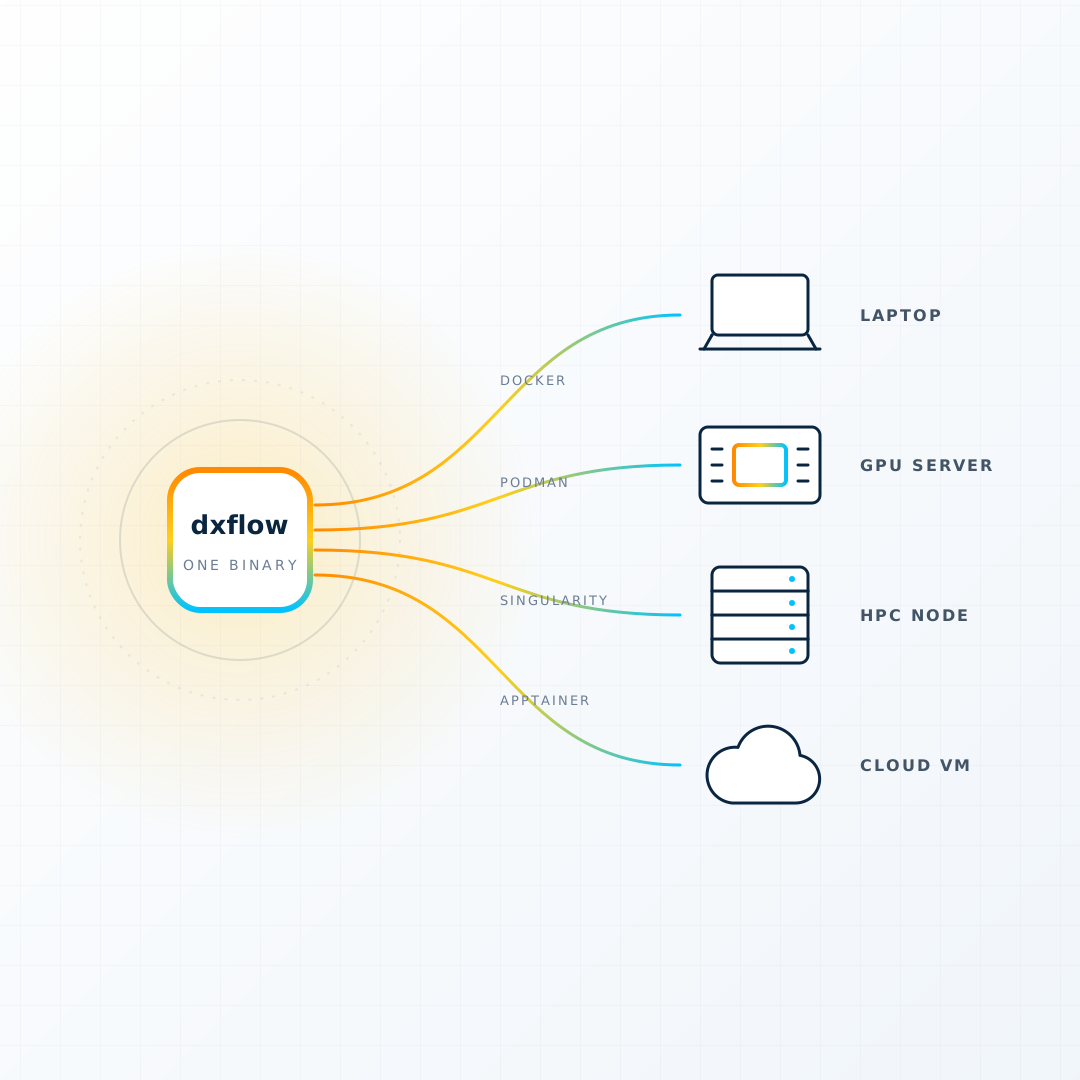
You want a machine with a GPU for an afternoon. Maybe a model to fine-tune, a molecular dynamics run that will not finish on your laptop, a mesh that ParaView chokes on. What stands between you and that machine is not money. It is an account.
The cloud wants a billing profile, an IAM user, a key pair, a VPC, a security group, and a quota request for the GPU family you want, which a support agent will approve in one to three business days. By the time it is all in place the afternoon is over, and you now own a cloud account you will be paying for in small, surprising ways for years.
DiPhyx exists to remove that account from the path. Its own description of the product fits in four sentences:
A person signs up. They buy credit. One minute later they have a machine running on AWS, GCP or Azure. They stop it when they finish.
That is the whole product. Everything else is a consequence of taking those four sentences seriously.
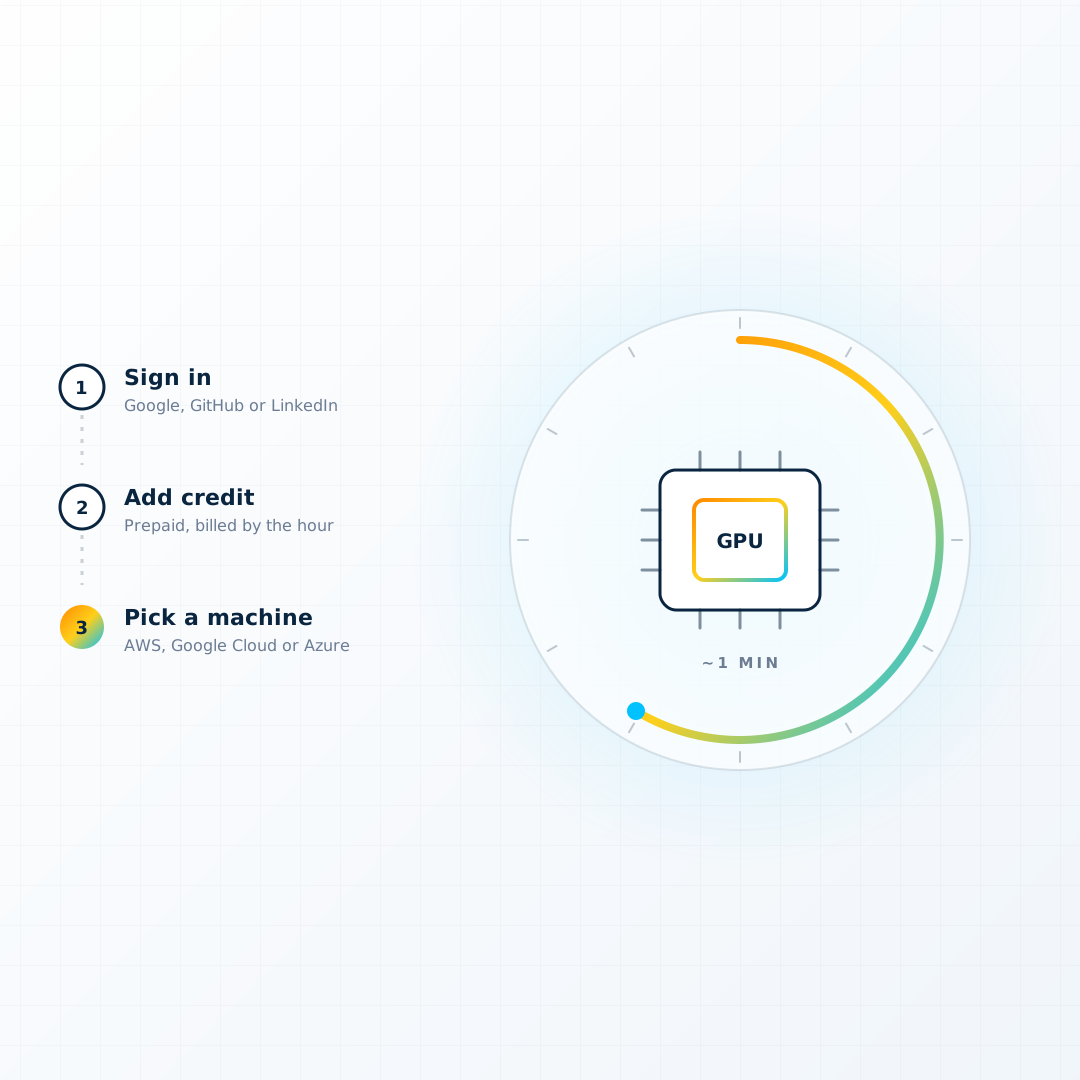
Four steps, and the slow one is the cloud
- Sign in. OAuth only: Google, GitHub or LinkedIn. There is no password to invent. A new account arrives with a small amount of free credit so the first machine costs nothing.
- Buy credit. Prepaid, through Stripe. You put money on a balance before anything runs.
- Pick a machine. A table of offers with the cores, memory, GPU and price per hour beside each one. Pick one, give it a name, choose a disk size, decide whether you want the dxflow engine installed, and press Create.
- Work, then stop it. The machine is on AWS, Google Cloud or Azure, but you never see those consoles. You SSH in, open the web console, or open the workflow it booted with. When you are done, stop it. The clock stops with it.
DiPhyx holds the cloud accounts. It holds one account per cloud, in one region per cloud, and it makes all the API calls. You bring nothing but a browser. That is also the trade: you cannot bring your own account, pick a region DiPhyx does not run in, or share one server between two people. The about page says so in a section literally titled "Honestly", which is a rare thing to find on a pricing page and a good reason to trust the rest of it.
What "a minute" actually means
The create button answers instantly, because the server record is written before any cloud resource is asked for. Behind it, the platform checks that the machine and image match, that the disk fits the range, and that your balance covers one full day of everything you would then be running. Then it asks the cloud for the machine, opens the ports it needs, and polls until the cloud says Running.
The longest step is the cloud handing the machine over. On the homepage that is the "~1 min" stat, and the platform is careful about the claim: it does not count a machine as ready until it has an address.
The money model, in plain words
Most cloud bills are a surprise because they arrive later. DiPhyx does not send bills.
- Prepaid only. Credit first, then spend. At zero, machines stop. Nobody ever owes anything.
- Hourly, rounded up, minimum one hour. A five-minute test costs an hour. Restarting inside an hour you already paid for costs nothing extra.
- Two meters. The machine meter runs while the machine runs. The disk meter runs from first boot until you delete the server, because the disk still exists while the machine is off. A stopped machine costs its disk and nothing else.
- One day of runway. Before a create or a start, the balance has to cover a full day of everything the account would then be running. A machine you cannot afford for a day is greyed out in the table rather than started and reclaimed.
- Warn, stop, warn, delete. When credit runs low the platform emails you in hours left, not dollars. At zero it stops your machines. After a wait at zero it warns again, and only then does it delete machines and their disks. Stopping is reversible: add credit and start again.
Prices are frozen at the moment a machine starts, so a price change never rewrites a bill you already earned.
What a GPU machine arrives with
Pick a machine whose name carries a GPU, such as "G4dn XLarge · Tesla T4" or "G6 2XLarge · NVIDIA L4", and the platform does the part nobody enjoys. On AWS the machine boots from NVIDIA's Deep Learning base image, so the driver is already built against the kernel it ships. Everywhere else, and on any machine where the image lacks one, a first-boot script finds the card on the PCI bus, installs the vendor driver, and wires the container runtime so a container can see the GPU.
You pick a GPU machine. You do not then pick a driver, a toolkit or a runtime. By the time the console opens, nvidia-smi works, and so does a container that asks for the card.
| Machine | GPU | vCPU | Memory |
|---|---|---|---|
| G4dn XLarge | Tesla T4, 16 GB | 4 | 16 GB |
| G4dn 2XLarge | Tesla T4, 16 GB | 8 | 32 GB |
| G4dn 4XLarge | Tesla T4, 16 GB | 16 | 64 GB |
| G6 XLarge | NVIDIA L4, 24 GB | 4 | 16 GB |
| G6 2XLarge | NVIDIA L4, 24 GB | 8 | 32 GB |
The live prices are on the pricing page and in the machine table, per hour, with a per-day and per-month figure beside them so nobody has to multiply.
The one switch that changes everything: install dxflow
The Setup step of the create form has one toggle that turns a rented machine into something more than a rented machine: Install dxflow with the server.
With it on, the first boot installs Docker, installs the dxflow engine, activates a licence, and starts the engine with its web console served on an HTTPS address that DiPhyx already knows before the machine exists. Two more fields appear under the toggle:
- Instant workflow. Pick one from the hub catalogue, and the same boot creates it and starts it on its own HTTPS address. Jupyter, RStudio, VS Code, GROMACS, OpenFOAM, ParaView, Ollama, Open WebUI, a full Linux desktop, and about seventy others. A machine stopped and started again comes back running the thing you asked for.
- Agent model. Wire dxflow's built-in agent to a hosted model, paid from the same balance by the token. Then you can ask the machine, in plain language, to find or write a workflow and run it.
The Console button on the server page is where this lands. Click it and the platform signs a one-time challenge with a key it holds for that server, mints a one-hour token, and drops you into the dxflow console already signed in. No login screen, no key file, no copy-and-paste. The private key never leaves DiPhyx, and the token rides in the URL fragment where no access log can see it.
The whole workflow catalogue is priced the same way: dxflow adds nothing to the bill. You pay for the machine and the disk, by the hour, and nothing else.
What it is not
DiPhyx is deliberately small. It does not build object storage, monitoring, alarms or proxies. It does not share a server between accounts. It does not run a workflow engine of its own: where a machine wants one, that is dxflow's job, and the two are designed to meet exactly at the create form.
That narrowness is the point. A platform that only does one thing can promise a machine in a minute and mean it.
Try it
Sign in, spend the free credit on the smallest machine, and stop it. Then do it again with a T4 and the dxflow toggle on, pick Jupyter as the instant workflow, and open it from the link on the server page. The afternoon you were going to spend on IAM is still yours.
Next in this series: What dxflow is, and why it fits on a Raspberry Pi and a supercomputer, and the one people ask for most: Private AI for your team, on your machine.